


Collections, not chaos.
Organize your articles in hierarchical collections — nested as deep as your topic demands. Not a flat filing system, but real structure.
Project: Home Renovation
Topic: Sustainable Materials
Subtopic: Timber Construction
Structured reading library
Save articles, organize them in layered collections, highlight what matters, and add notes you'll use later.
No subscription required. Free to start, always.
Collections, not chaos.
Reading means more than scrolling.
Read the way you want.
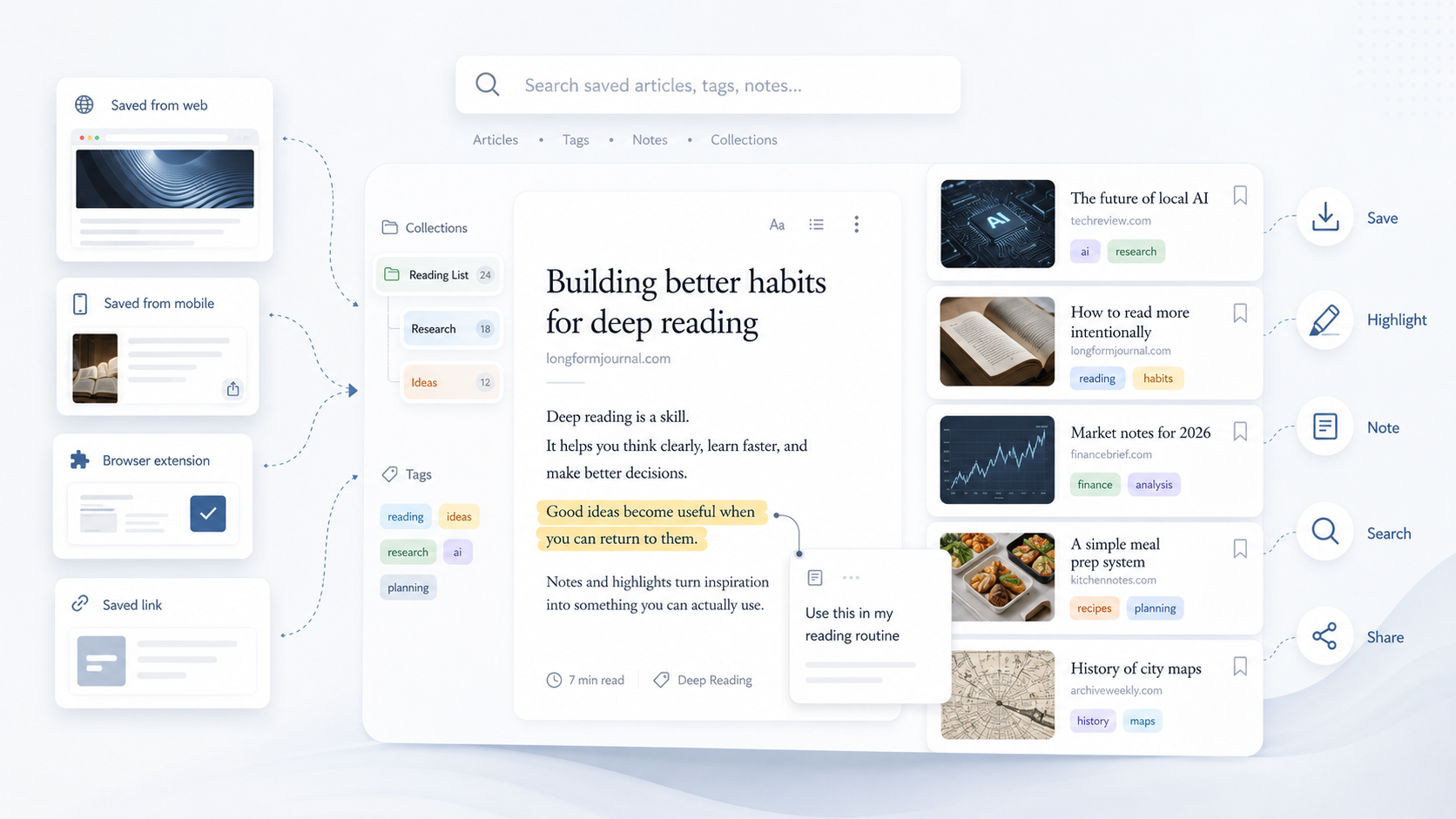
Collections give depth, highlights keep context intact, and tags connect ideas across your library. Read later becomes a system that actually brings you back.
Organize your articles in hierarchical collections — nested as deep as your topic demands. Not a flat filing system, but real structure.
Project: Home Renovation
Topic: Sustainable Materials
Subtopic: Timber Construction
Mark the passages that count. Capture your thoughts right next to the article. Turn passive consumption into active reading.
Collections give structure, tags connect across it. Tag articles across topics and find connections that folders alone can't show.
An article about sustainable building can sit in the "Home Renovation" collection and be tagged with "Climate Policy" at the same time.
Three reading modes for every situation: light for daytime, dark for the evening, sepia for longer sessions. Distraction-free, every time.
Quicksave runs in the browser, on iPhone, and on Android. One account, all devices, always in sync.
One account — synced everywhere.
Saving is not the point. Getting back is. Quicksave keeps together the parts that make an article genuinely useful when you return to it.
Collections and tags give every find a place instead of dropping it onto a pile you never revisit.
Highlights and notes live right on the article. You do not have to reconstruct your thinking in a second app.
Browser, iPhone, or Android: you always come back to the same organized reading library.